SMART HUMIDORS 26 / Reorder Tech Upgrades
Proposed hardware + firmware + app changes for the next production run
Spec overview
v1 · concept
v1 · concept
How the Onyx talks to the app
📱
Klaro App
user taps
→
☁️
Cloud (node)
app call relay
→
📡
Bridge
Wi-Fi gateway
→
🟫
Onyx
OLED
LED
Hygro
MCU
An “app call” = a command sent from the phone, through the cloud + bridge, into the Onyx’s firmware. Every upgrade below rides this same path.
The four upgrades
1
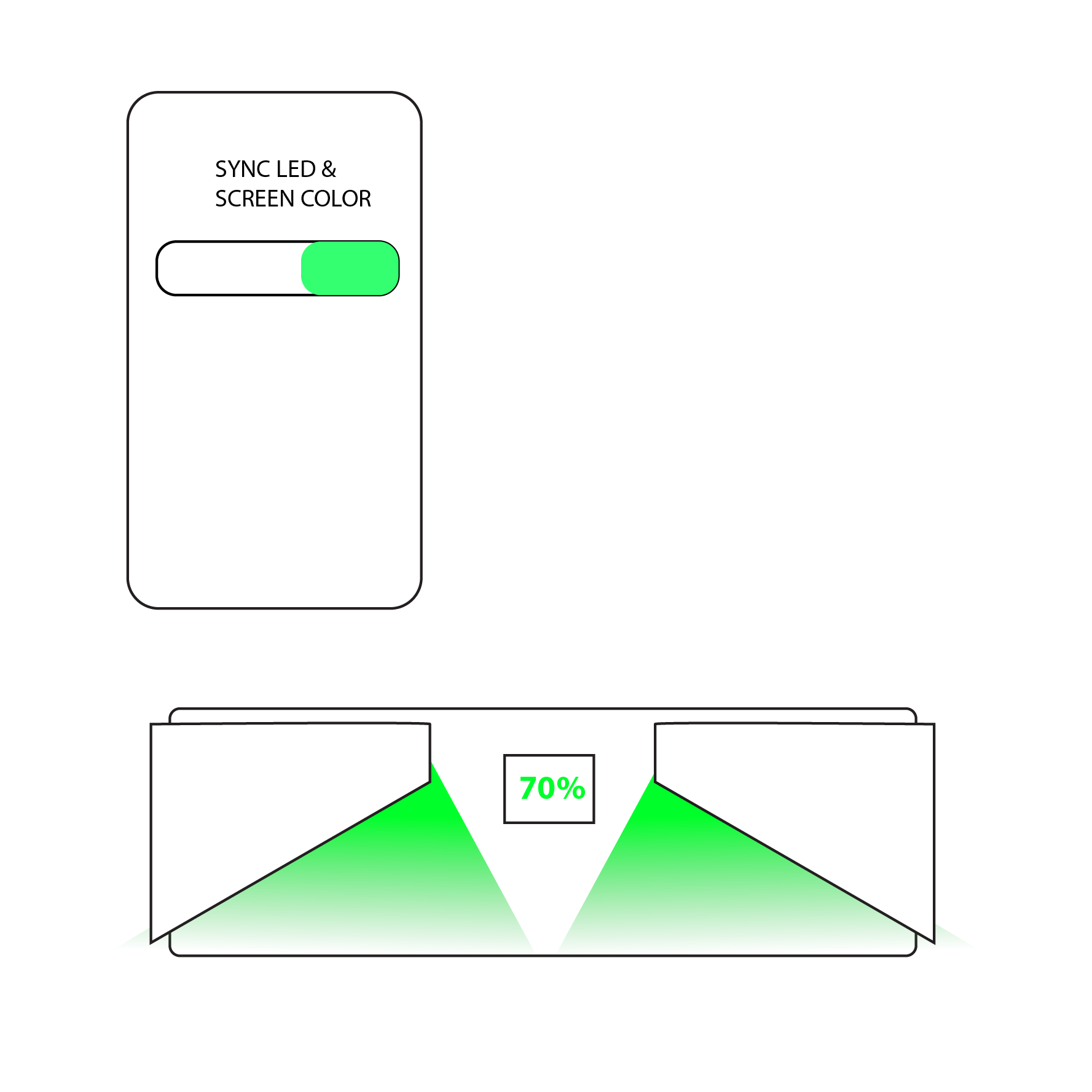
OLED screen synced with LEDs
One app call sets a look, and the screen + lighting move together (matched color / theme), instead of being controlled separately.
App call
→
OLED
+LED
in sync
AppFirmwareHardware
★ NEED THIS
2
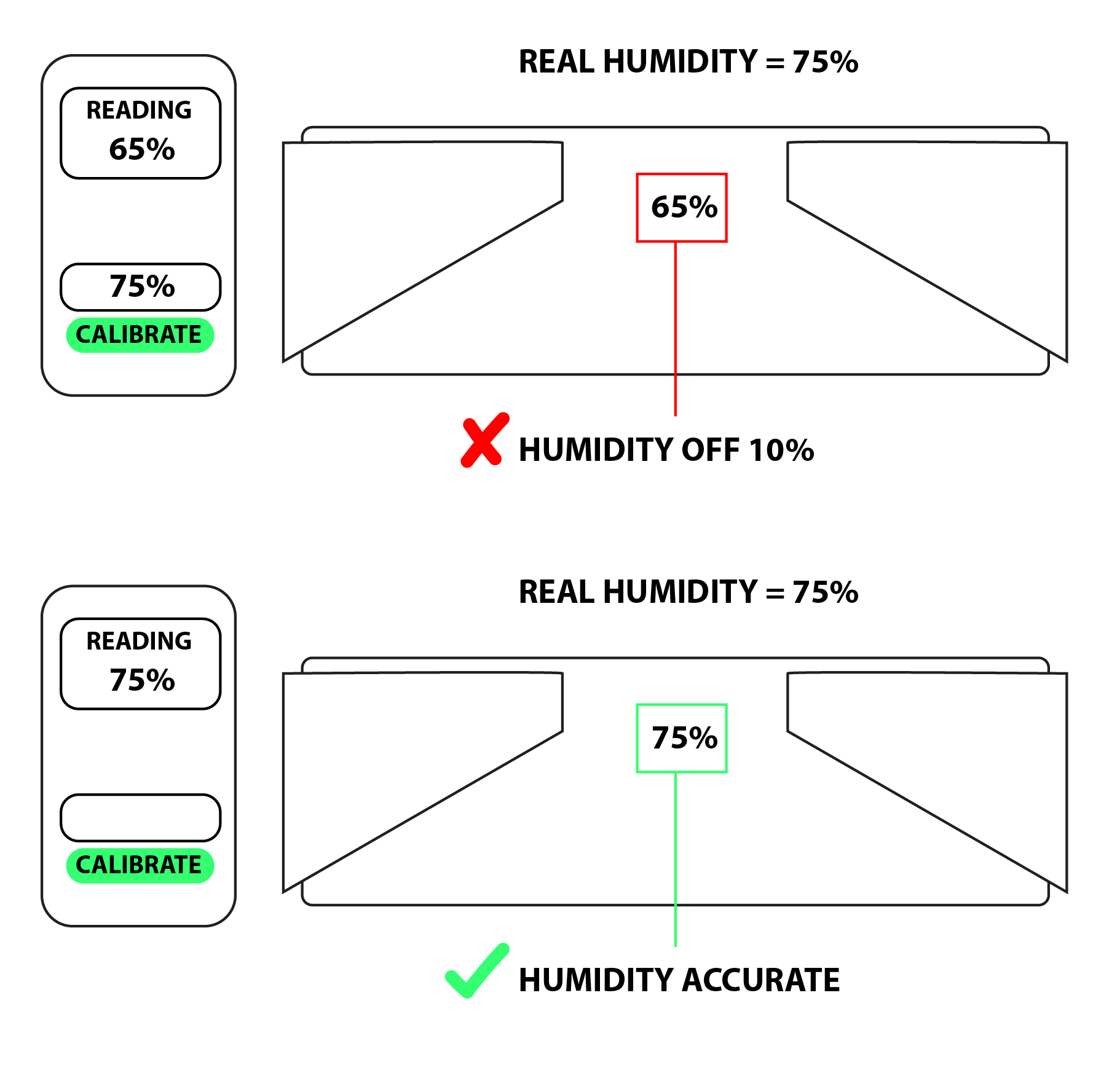
Push hygrometer seasoning via app call
Send a seasoning routine from the phone — the hygrometer runs the guided humidity ramp on its own. No manual on-device setup.
App: “Start seasoning”
→
Hygro runs ramp
→
target RH
AppFirmwareHardware
3
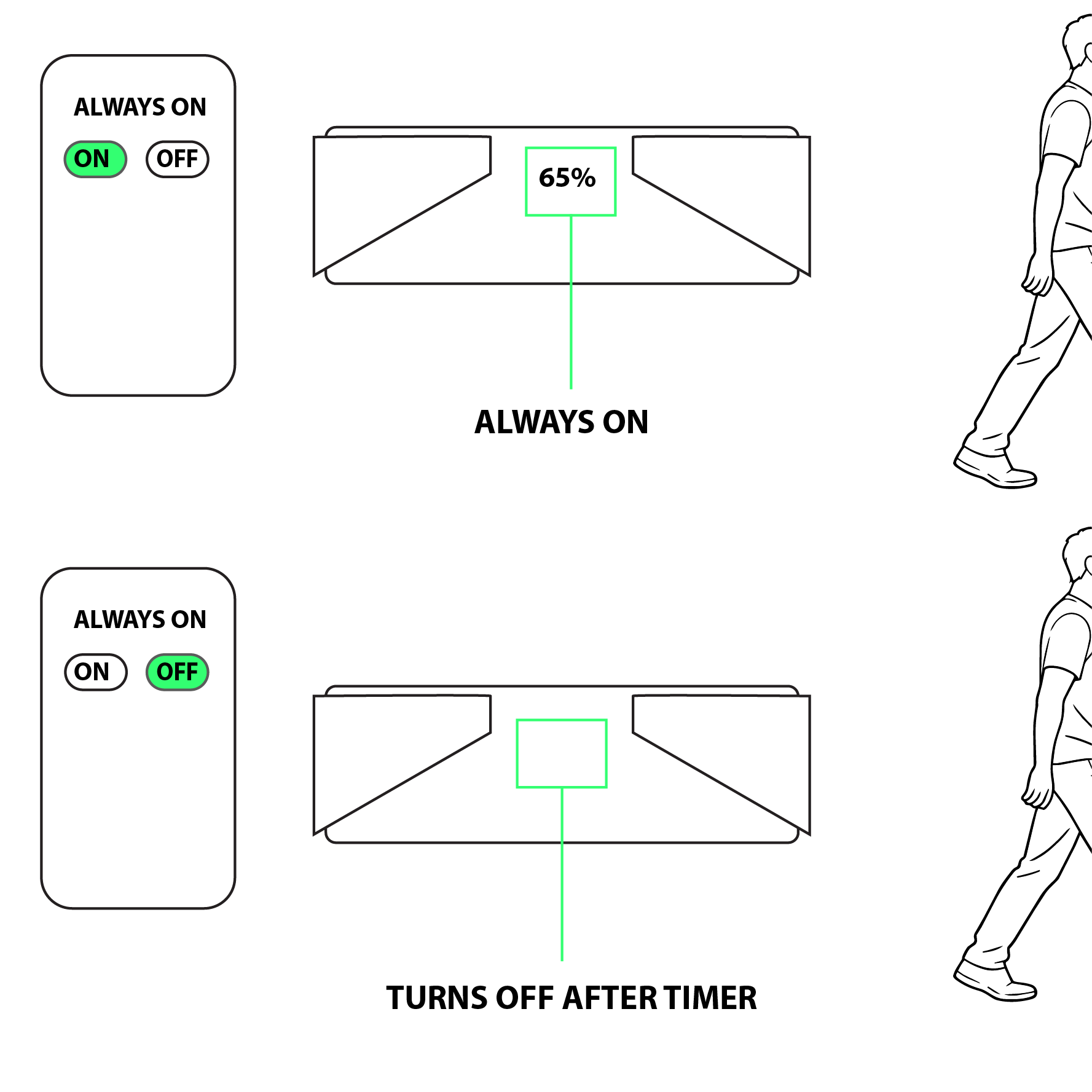
Always-on / sensor-activated hygrometer
Choose continuous readings, or have the sensor wake on activity (lid open / motion) to save power — selectable behavior.
Always on
|
Wake on sensor
→
power saving
AppFirmwareHardware
4
Upgradable firmware with headroom
Over-the-air firmware updates, plus spare memory + compute so future features can be added after units ship.
v1
→v2
→
v3 (OTA)
+ overhead left
AppFirmwareHardware
Where each change lives:
App
Firmware
Hardware / BOM
(greyed = not affected)
★ Item 2 (push seasoning) is the must-have for this reorder.
Items 3 & 4 carry hardware/BOM implications — confirm cost before locking the run.